Client experience
What a client portal should do for a small business
A practical client portal gives customers one dependable place for requests, files, invoices, and project updates.
Start with the questions clients already ask
The best portal is not a collection of every feature a business could offer. It is a clear answer to the recurring questions customers send by email: What is happening, what do you need from me, and what do I owe?
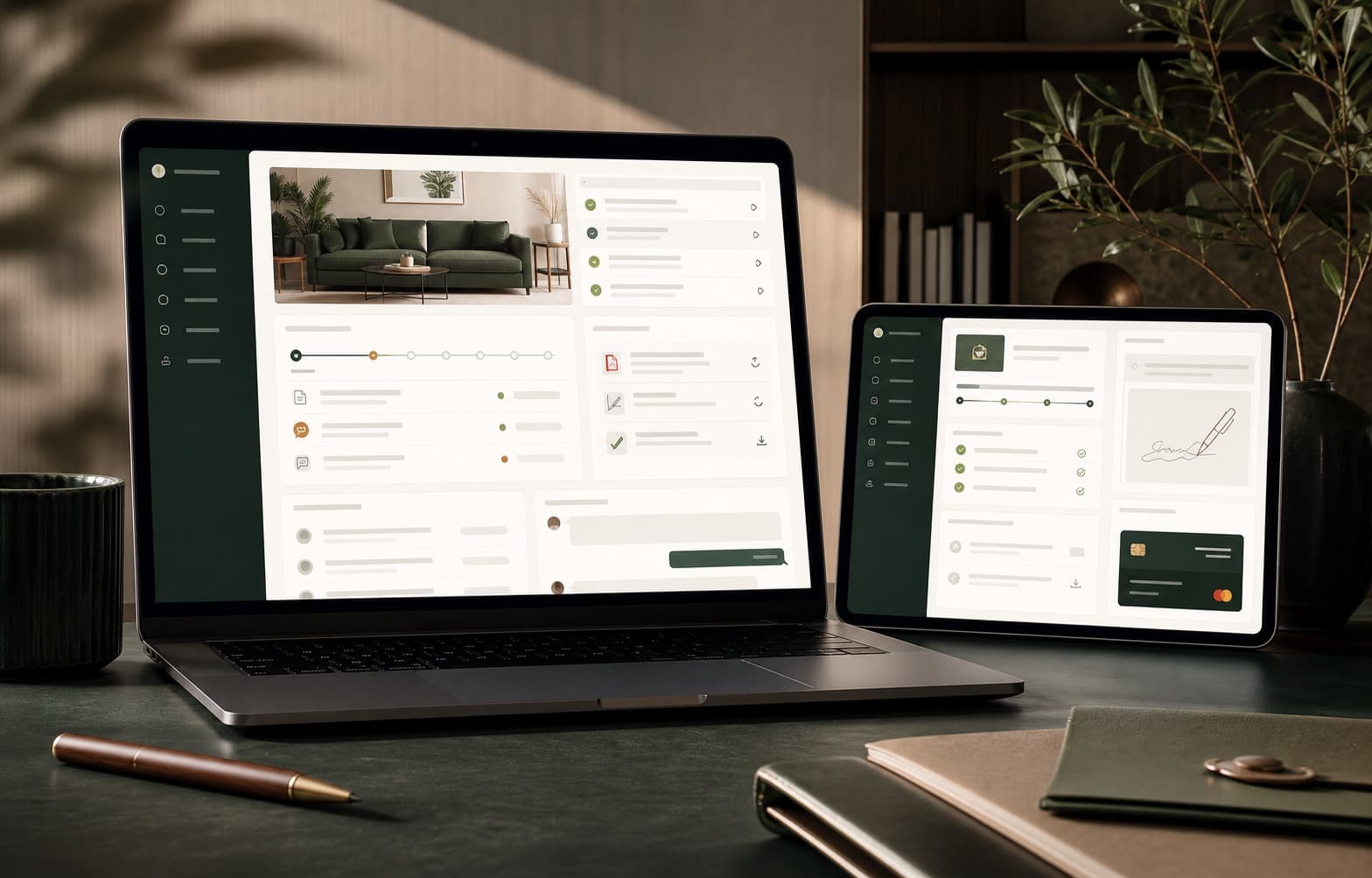
Put project status, open requests, shared files, and billing details in one predictable place. When the portal reflects the real workflow, customers can find an answer without waiting for a team member to reconstruct it.
Make the next action unmistakable
A customer should not have to study a dashboard to understand what comes next. Highlight the one or two actions that move the relationship forward, such as approving a proposal, uploading a document, or paying an invoice.
Use plain labels, visible due dates, and a confirmation after each action. Small design choices reduce follow-up messages and give both sides confidence that the handoff is complete.
Connect the portal to the work behind it
A portal becomes another source of confusion when staff must copy every update into it manually. Client-facing status should come from the same records the team uses to manage delivery, billing, and support.
That connection keeps information current and makes the portal useful after launch. The goal is not simply a nicer screen; it is a calmer relationship supported by a shared version of the truth.