
Eclipse capability
Custom Software Builds
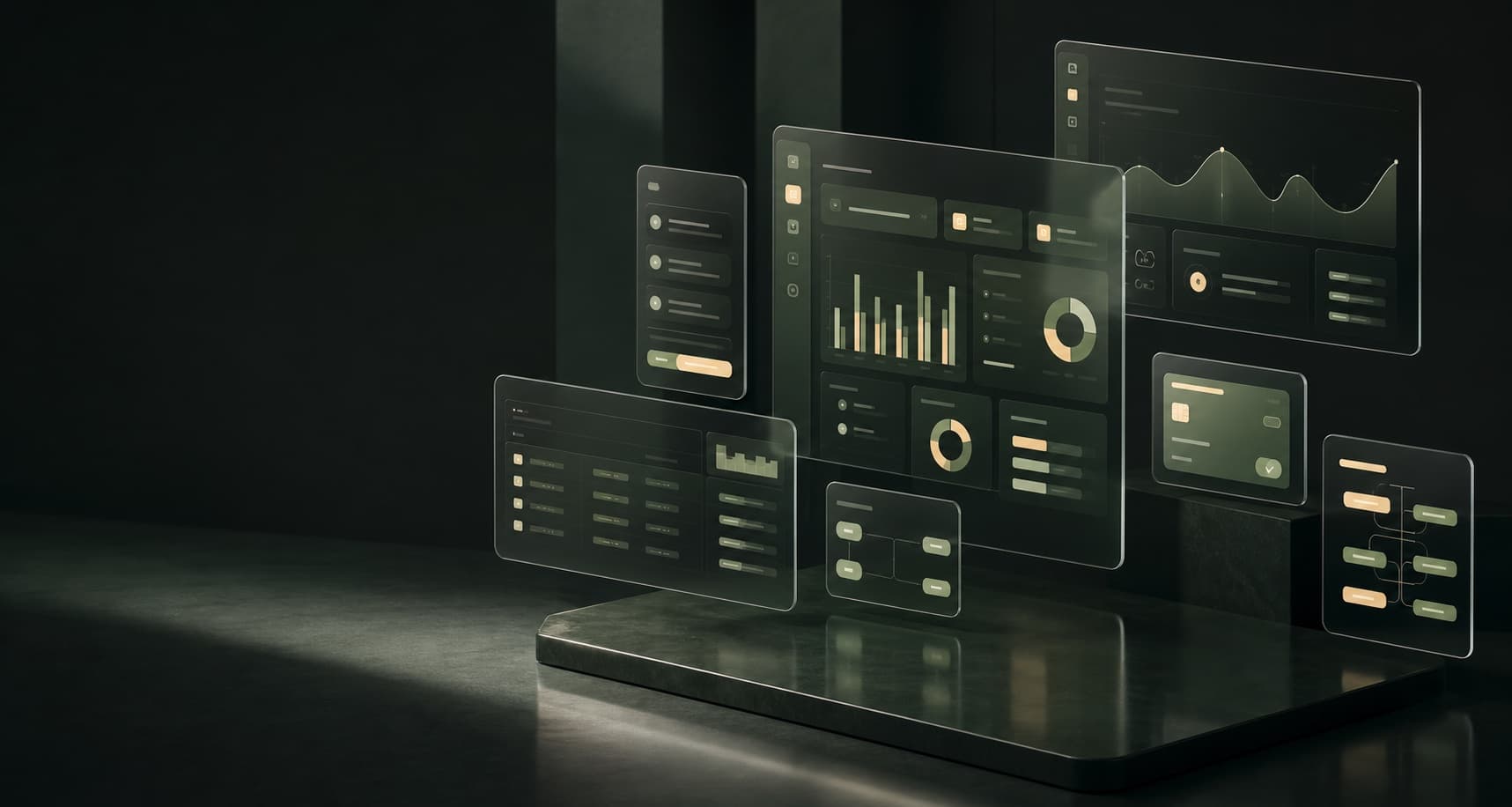
Workflow-specific web apps, dashboards, portals, and operations tools designed around how your business actually runs.
Questions this capability answers
Built around the real process.
Can Eclipse Systems build software around our current workflow?
Yes. Eclipse Systems treats this as part of the workflow design: what customers see, what admins control, what data needs to be shared, and where payment, reporting, or automation should happen.
Can an existing Eclipse module be customized instead of starting from scratch?
Yes. Eclipse Systems treats this as part of the workflow design: what customers see, what admins control, what data needs to be shared, and where payment, reporting, or automation should happen.
How do discovery, scope, and launch planning work?
Yes. Eclipse Systems treats this as part of the workflow design: what customers see, what admins control, what data needs to be shared, and where payment, reporting, or automation should happen.
Built around the real process.
This can be delivered as a focused workflow, connected to an existing Eclipse system, or built as part of a larger custom software project. The goal is not to force your business into a generic template; it is to make the customer-facing and internal steps work together cleanly.
Frequently Asked Questions
Can Eclipse Systems build software around our current workflow?
Yes. Eclipse Systems scopes this around your workflow, customer access needs, internal controls, integrations, and launch path.
Can an existing Eclipse module be customized instead of starting from scratch?
Yes. Eclipse Systems scopes this around your workflow, customer access needs, internal controls, integrations, and launch path.
How do discovery, scope, and launch planning work?
Yes. Eclipse Systems scopes this around your workflow, customer access needs, internal controls, integrations, and launch path.
Build this around your team